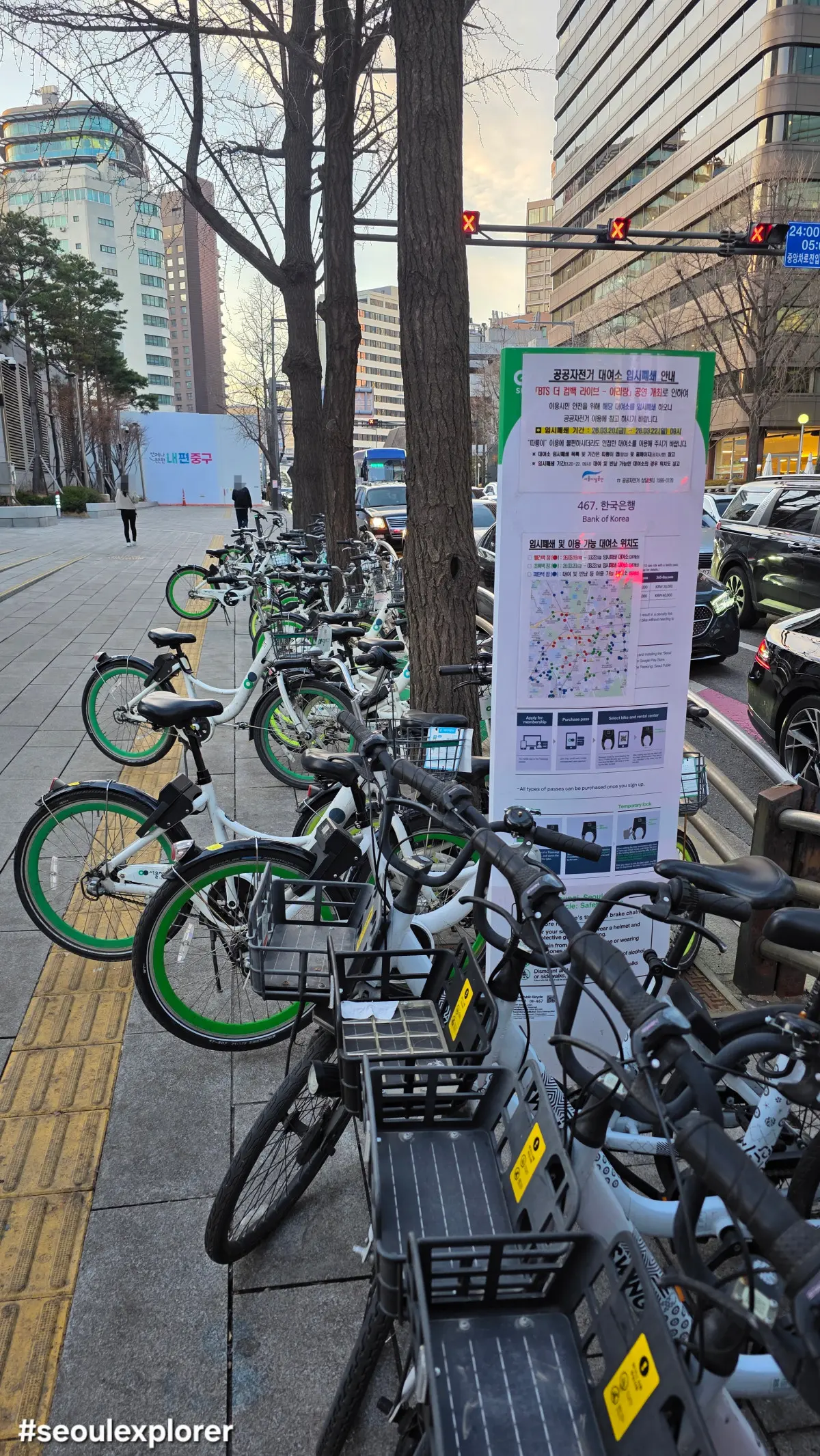
I have helped several visitors who struggled to rent a Seoul Bike (Ttareungi) because of payment and app verification issues. While the exact cause varies, payment methods, app permissions, and account settings are often responsible.
If you’re having trouble unlocking a bike or linking your Climate Card, this guide explains the most common problems and the solutions that usually work.
Some international cards may not work correctly depending on the payment provider, card issuer, or verification requirements.
The 2026 Ttareungi Payment Struggle: Why It Fails
Most international tourists head straight to the “Foreigner” section of the Seoul Bike (Ttareungi) app, only to find their credit cards rejected. Payment failures can occur for several reasons, including card verification requirements, issuer restrictions, or compatibility issues between payment providers. If your Visa or Mastercard keeps failing, the “secret” native tip is to avoid direct in-app credit card payments and instead use the Seoul Climate Card or a pre-loaded T-Money card through the Tmoney GO app.
How to Link Your Seoul Climate Card (2026 Update)
One of the most convenient ways to use Seoul Bike (Ttareungi) in 2026 is by linking it to your Seoul Climate Card. If you have the 30-day pass that includes bike access (65,000 KRW), you don’t need to pay extra for each ride.
- Download the Tmoney GO app (it has better stability than the standalone Ttareungi app).
- Register your 16-digit Climate Card number.
- It may take some time for newly topped-up cards to synchronize with related services.
- Once linked, you can activate 2-hour vouchers directly within the app for free.
Solving the “Connection Error” and Bluetooth Issues
If your app says it can’t find the bike, it’s rarely a hardware ghost. In 2026, the Seoul Bike (Ttareungi) app requires specific permission settings that many users skip. Go to your phone settings and ensure that Location Services is set to “Always Allow” and Bluetooth is toggled on.
A common native trick: if the QR code won’t scan, check if your phone is connected to a weak public Wi-Fi (like “Seoul_Free”). Switching to cellular data usually fixes the communication lag instantly.
Pro Tips for a Smooth Ride
- Overtime Charges: Even with an unlimited pass, you must return the bike every 60 or 120 minutes (depending on your voucher) to avoid surcharges. If you stay over, you’ll be charged 200 KRW per 5 minutes.
- The “Return” Confirmation: Always wait for the voice prompt “Returned” (Ban-nap-doe-at-sum-ni-da) and check your KakaoTalk or app notification. If you don’t, the timer keeps running on your dime!
- App Language: If the English UI is buggy, try using the web version (bikeseoul.com) on your mobile browser; it sometimes handles international credit cards better than the app.
For those planning a full day of travel, make sure you’ve also checked my 4 Essential Seoul Travel Apps guide to ensure your navigation and translation tools are ready for the road.
How to Find the Nearest Ttareungi Station Like a Pro
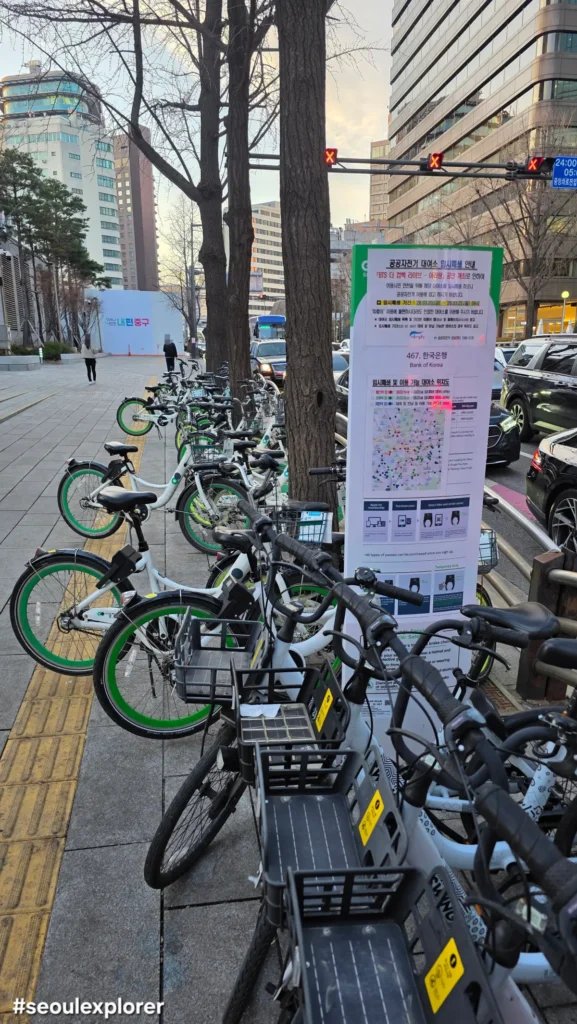
Once you’ve conquered the payment hurdles, your next challenge is finding the actual bikes. While the Seoul Bike (Ttareungi) app provides a real-time map, it can sometimes be laggy. A local secret is to look for the “green squares” on the sidewalk or near subway exits. In 2026, Many major subway stations and popular tourist attractions have Seoul Bike docks within a short walking distance. If a station appears empty on the app, try walking to the next block.
The “Ghost Return” Problem: Don’t Get Charged Extra
One of the most common issues travelers face is the “incomplete return.” You might think you’ve locked the bike, but if the system doesn’t register it, the timer keeps running.
The Physical Lock: Slide the lever down and ensure it clicks. In 2026, new models have a digital beep to confirm the lock.
The App Notification: Always stay at the dock until you receive a push notification or a KakaoTalk message saying "Returned."
Emergency Fix: If the lever is stuck, don't just leave it. Use the "Report an Issue" button in the Seoul Bike (Ttareungi) app to take a photo of the bike at the station. This serves as proof to avoid additional charges.
Best Ttareungi Routes for International Travelers
To make the most of your ride, I recommend these three beginner-friendly paths:
- The Classic Han River Loop: Start at Yeouido Station (Exit 1), grab a bike, and ride along the water toward Banpo Hangang Park to see the Moonlight Rainbow Fountain.
- The Forest Path: Pick up a Seoul Bike (Ttareungi) at Seoul Forest Station and explore the massive park. It’s much faster than walking and perfect for photos.
- The Stream Ride: Follow the Cheonggyecheon Stream from Dongdaemun. It’s a flat, easy ride that takes you through the heart of the city’s history.
Frequently Asked Questions (2026 Updated)
Can I rent multiple bikes with one phone?

No, the Seoul Bike (Ttareungi) system requires one account per bike for safety and insurance reasons.
Is a helmet mandatory?

For safety, wearing a helmet is strongly recommended when using Seoul Bike. Bike lanes are available throughout much of Seoul, but riders should always stay aware of pedestrians and traffic.
What if the bike is broken?

If you realize the bike has a flat tire or broken brakes within the first 5 minutes, return it to any station. You can rent a different bike immediately without being charged for a new session.
Navigating the Seoul Bike (Ttareungi) system might have its quirks, but the view of the city skyline from the Yeouido bike paths makes every bit of troubleshooting worth it. By following these 2026 updates and linking your Seoul Climate Card correctly, you’ll save money and avoid the frustration of payment errors. Put on your helmet, grab a bike, and explore Seoul like a local!
- Seoul Station Guide (2026): Lockers, AREX, KTX & Local Tips for First-Time Visitors
- Seoul Lost and Found Guide (2026): What to Do If You Lose Your Phone, Wallet or Passport
- Seoul Subway Lockers Guide (2026): Prices, Reservation & T-Locker Tips
- Seoul Taxi Guide (2026): How to Take a Taxi, Use Kakao T & Pay Like a Local
- Korea Transportation Tips (2026): 10 Mistakes Every Tourist Should Avoid